Jobber
Route Lock
Keep a chosen stop order on repeating Jobber routes.
Jobber app. Pro on Gumroad.
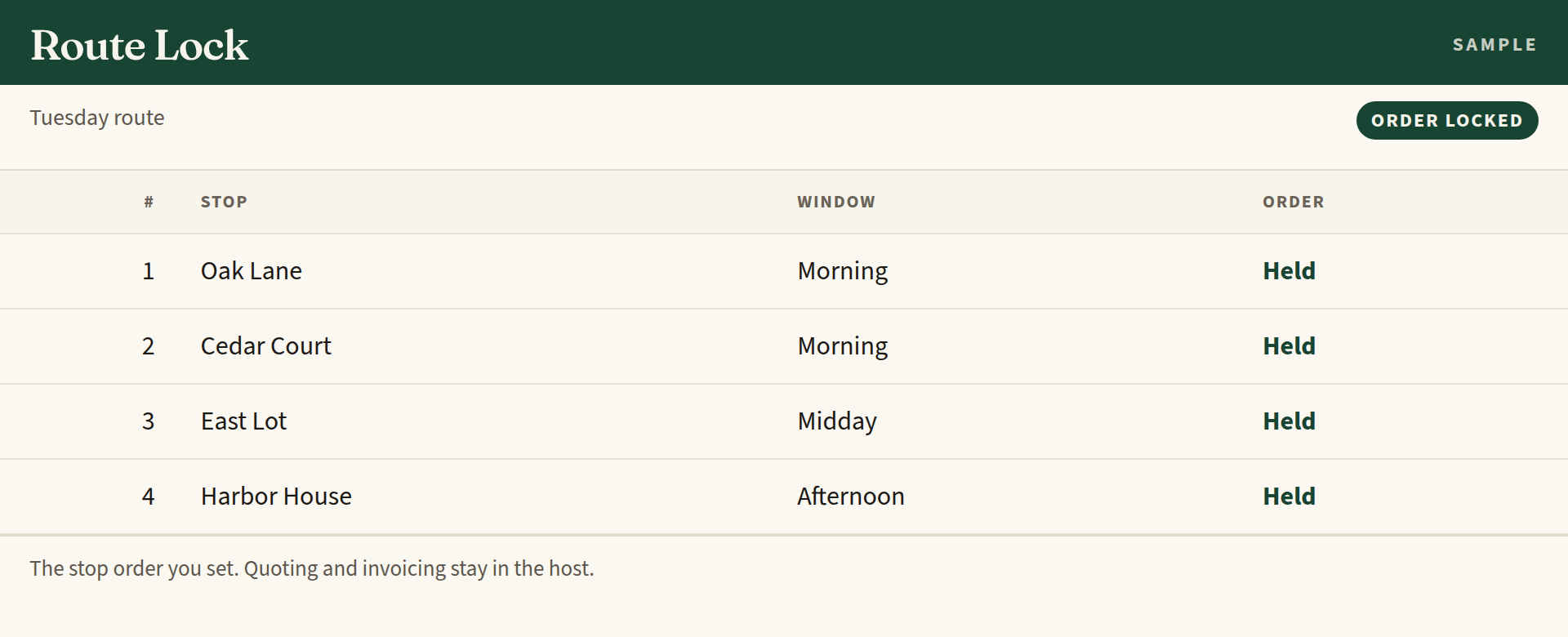
Route Lock is a Jobber add-on for field-service companies that run the same stops in an order they have already settled. It holds that order so the sequence is not rewritten the next time the schedule is generated.
What you get
- For repeating field routes: lawn, pool, pest, maintenance, and similar stop-based work.
- The app holds a stop order you chose. Quoting, invoicing, and the schedule stay in Jobber.
- It does not replace Jobber's schedule, and it does not invent a new one.
- Zecro does not keep a separate copy of your routes or customers.
What it does
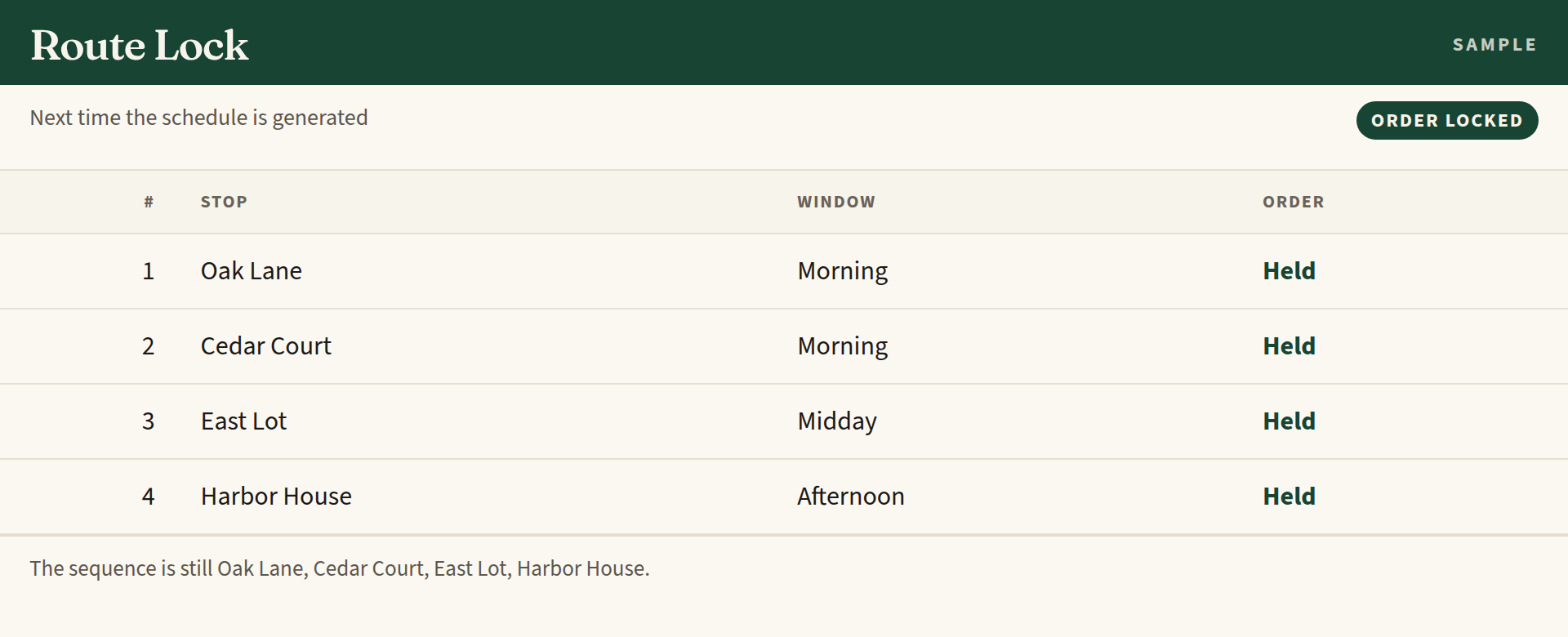
A field route often has a stop order the company has already settled. Route Lock keeps that sequence, so the next generated schedule does not quietly rearrange the stops.
The app is about order. It does not quote the work, send the invoice, or take over the schedule. Those stay in Jobber.
How it sits in Jobber
Route Lock is installed into the Jobber account you already use. Routes, visits, and the stop order it needs stay in that account.
Zecro does not keep a separate copy of your routes or customers. Uninstalling the app removes its access.
Pricing
Route Lock is a Jobber app. Pro, if you want it, is sold on Gumroad. This page does not list a checkout until one is published.
There is no Zecro checkout on this site. A Pro purchase, when one is offered, is for this app. It is not a subscription to other Zecro software.
In the product
Addresses for the Jobber listing
Use these URLs on the marketplace submission. They are on zecro.io.